Barcelona, Spain, 9-12 November 2026
Barcelona, Spain, 9-12 November 2026

All the information about the IPOS 2026 Congress at your fingertips
The 27th Annual World Congress of the International Psycho-Oncology Society IPOS 2026 already has its official congress app available for download on your mobile phone or tablet.
The App is packed with useful information, including the full congress programme, all submitted abstracts, a speaker search tool, attendee chat, a private social network, and many more features!
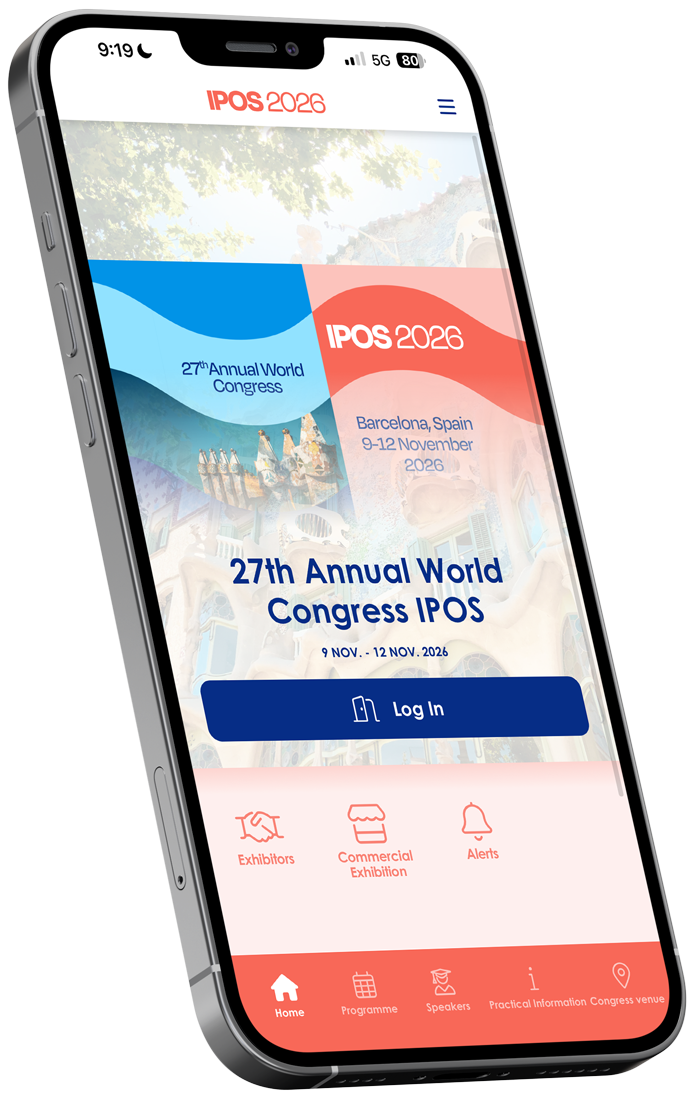
How to download the App…
It is easy to find the App on Google Play or the Apple App Store. Just follow the simple steps below.
Step 1
Install the app
You can download the App by clicking one of the buttons or scanning the QR codes below.
Google Play

App Store

You can also search for “The Event App by EventsAir” or “EventsAir” on Google Play or the App Store.
This is the icon you should look for

Step 2
Enter the congress code
The first time you open the App, please enter the following code:
ipos2026
Step 3
Log in
Enter the email address used for your registration and the PIN number previously provided by the organising agency.
Important
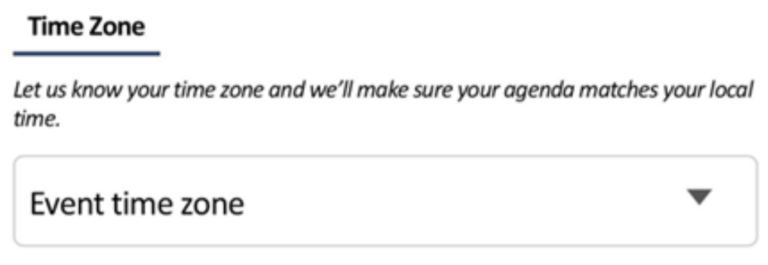
In the Privacy and Settings section, please remember to select the Event Time Zone.
Step 4
Before the Congress…
Open the App, review the programme, and save (by clicking the star icon) the sessions that interest you.
We also recommend that you browse the “Speakers” section or search for your colleagues in the private chat and send them a message.
Please do not hesitate to contact us at (ipos2026@bcocongresos.com) if you experience any issues, require further information, or need technical assistance from our team.